
Įrankiai
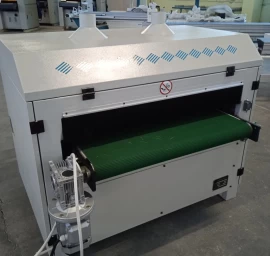
20-29- Šepetinės šlifavimo staklės WOODLAND MACHINERY (naujos)
UAB Medienos staklės
15 atsiliepimai
4130 €
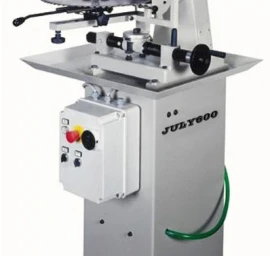
21-80- Diskinių pjūklų galandimo staklės RS WOOD-CMC (naujos)
UAB Medienos staklės
15 atsiliepimai
5464 €
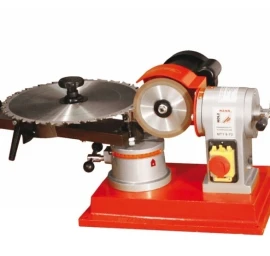
21-80-027 Diskinių pjūklų galandimo staklės HOLZMANN MTY 8-70
UAB Medienos staklės
15 atsiliepimai
1 €
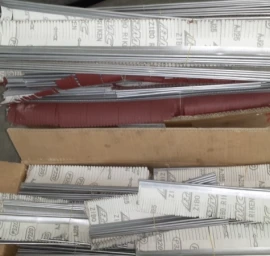
20-13-300/600 Šlifavimo popierius šepetinėms šlifavimo staklėms (naujas)
UAB Medienos staklės
15 atsiliepimai
25 €
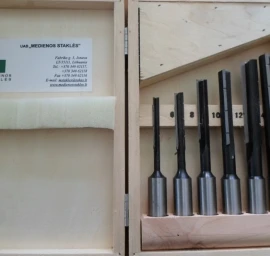
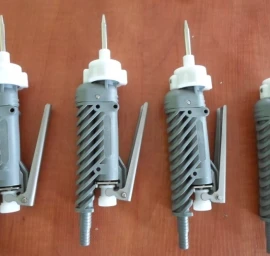

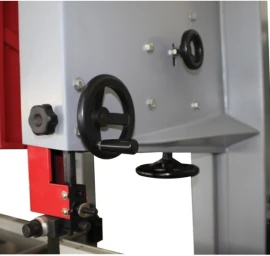
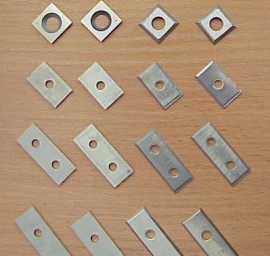
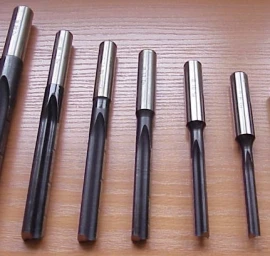
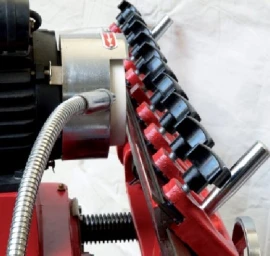
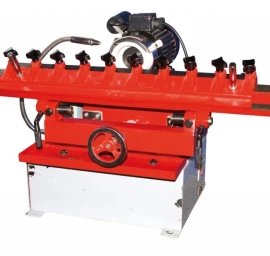
21-80-029 Galandimo staklės tiesiems peiliams HOLZMANN MS 7000
UAB Medienos staklės
15 atsiliepimai
1 €




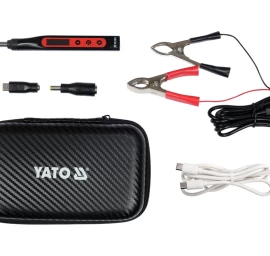
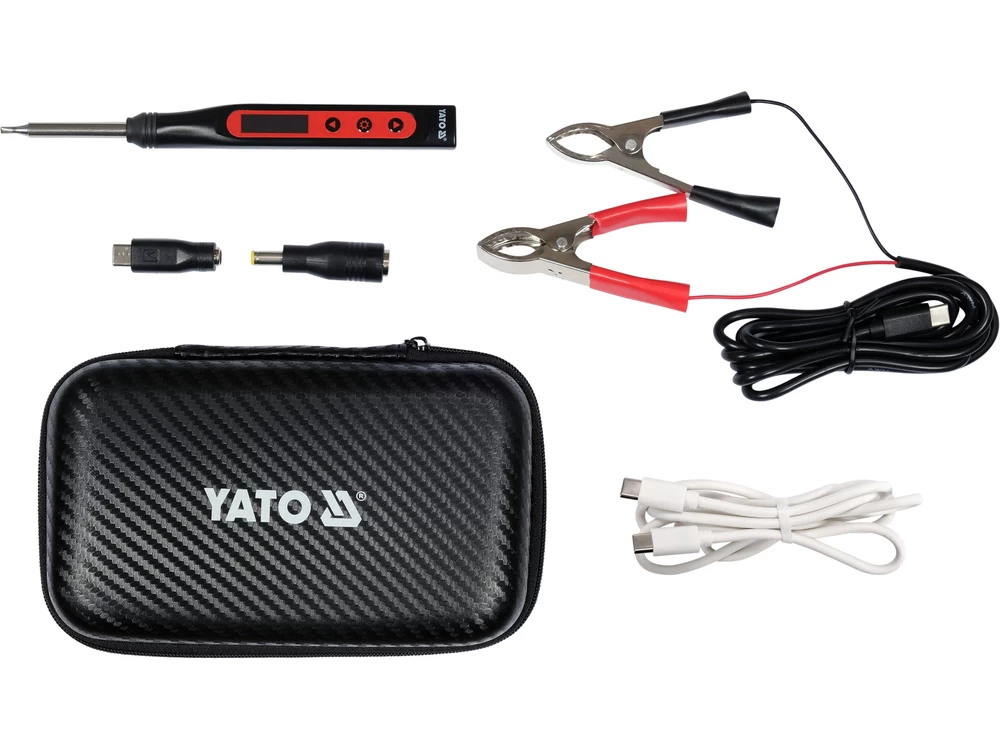
Lituoklio komplektas | skaitmeninis | 100W | 8 vnt. (YT-82490)
Yato
39,69 €
Į parduotuvę Prekės aprašymas:
YT-82490. PORTABLE DIGITAL SOLDERING IRON 65W TIP T12. Brand. Yato. Symbol. YT-82490. Power. 18-65 W. Operating temperature. 90-480 C. Temperature stability. 2 C. Max. tip temperature. 90-480 C. Tip type. T12. Heating time. 5-10 s. Functions. hibernation (temporary shutdown), temperature calibration. Switch. yes. Display type. OLED. Max. current. 3 A. Max. voltage. 24 V d.c.. Charger. USB. Power standard QC, PD (voltage / current). 9/1.5, 12/2, 15/2.5, 20/3.25 V d.c./A. Weight. 25 g. Kit contents. T12-D24 soldering tip, Type-C cable, USB-C male to DC 5.5x2.5 mm female adapter, DC 5.5x2.5 mm male to DC 7.4x5.0 mm female adapter,. Kit contents cont.. 1.5 m silicone-insulated cable with USB-C tip on one end and two crocodile clips for car battery on the other end, zippered case. Portable digital soldering iron for T-12 tips powered by USB-C port. T12 tips are a combination of resistance wire embedded in ceramic, temperature sensor and high-quality soldering tip. The integrated tip design allows for express heating and very fast temperature stabilization. The soldering iron works with any power source with a voltage of 9 to 24 volts DC and current efficiency above 1.5 A. These can be fast phone chargers, laptop power supplies, power banks with QC or PD ports, a set of li-ion cells, some YATO travel adapters and many, many more.. Heating the tip to 350C, using a 65 W fast phone charger, takes about 9 seconds. Built-in functions such as temperature stabilization, calibration and hibernation function work similarly to large soldering stations, e.g. YT-82462.. The OLED display provides information about:. the set and actual tip temperature. the currently used power of the device in the form of a bar graph. the selected temperature unit. the temperature calibration function settings. the auto sleep function settings. the selected language. the supply voltage. the device has entered auto sleep mode. a power source with insufficient power (voltage below 7V). no tip. Accessories included in the set:. soldering tip: T12-D24. USB-C to USB-C cable. USB-C to crocodile clips cable, for power supply e.g. from a car battery. two adapters for power supply with a jack tip. a handy case. One of the greatest advantages of tips with an integrated design is the elimination of the problem of air resistance between the soldering tip and the temperature sensor. The temperature sensor in T12 type tips is connected in series with the heater* and is located in the soldering tip as close to its tip as possible. Thus, any temperature change, e.g. when soldering large elements, is almost immediately read by the temperature stabilization function, which in real time adjusts the power of the device to maintain the set setting.**. Another advantage appreciated by many users is the speed of changing the soldering tip, and even the possibility of replacing it without having to wait for the tip to cool down. To do this, simply grab the heated tip using a material resistant to high temperature and slide it out of the soldering iron.. Function description:. Temperature stabilization allows you to maintain the set temperature of the tip in various conditions of heat demand for making a correct soldering connection. The tip releases more or less heat depending on the size of the soldered element and the soldering field. The device uses the built-in tip temperature sensor to continuously read its real value and compares it to the set value, then, depending on the needs, increases or decreases power consumption to maintain the set temperature.. Temperature calibration allows you to calibrate the temperature sensor built into the tip. Depending on the quality, size and degree of wear of the tip, a demanding user can calibrate the sensor themselves with the help of a temperature measuring device. A correct reading not only has a positive effect on temperature stabilization, but also helps an experienced user avoid errors, e.g. overheating the connection in PCBs.. Auto sleep / hibernation of the device allows the station to switch to standby mode. This avoids unnecessary heating of the tip, which significantly extends its life.. NOTE. *The temperature sensor in T12 tips is connected in series with the resistance wire/heater. Communication with the control system takes place via the heater power cables. Typically, in this type of design, a special control system cuts off the heater power supply for less than a millisecond, reads the tip temperature and continuously adjusts the power consumption parameters depending on the need. This is a cyclical process and is not noticeable during normal operation, and its effect is the stabilization of the tip temperature.. **For comparison, temperature stabilization in devices with a flask design with a heater and a tip pushed onto it is delayed by the effect of air resistance. The air in the free space between the tip and the heater also has to heat up or cool down, which additionally prolongs the response of the temperature sensor built into the heater. Stabilization, especially in older designs, where the temperature sensor was built into the center of the heating element, worked slowly. Modern irons, e.g. for 900M tips, such as in YT-82456, YT-82458 and YT-82459 devices, have new generation heaters with a special shape and a temperature sensor located at its end. This way, the tip adheres well to the heater, and the impact of air resistance on the stabilization function is limited to a minimum.